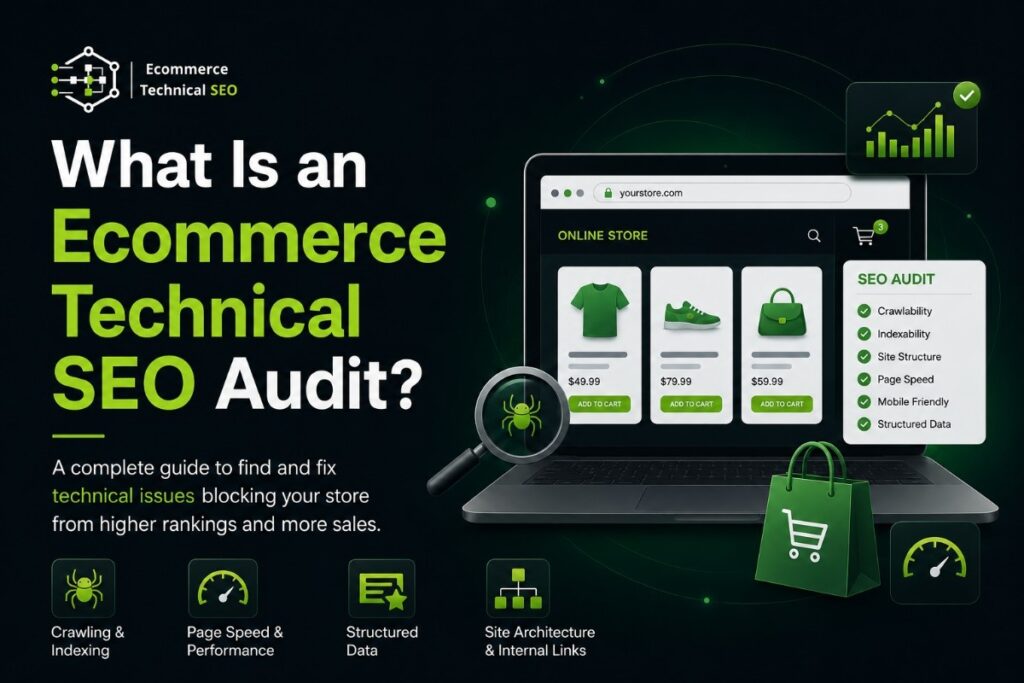

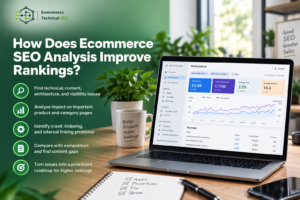
An ecommerce technical SEO audit is a structured review of the technical problems that stop an online store from being crawled, indexed, ranked, and used properly. It looks at how search engines access products, categories, filters, internal links, structured data, page speed, and mobile templates.
For store owners and SEO teams, the goal is simple: find what is blocking organic growth before spending more on content, backlinks, or paid traffic. A good audit connects technical issues to rankings, traffic, product visibility, conversion rate, and revenue.
Key Takeaways:
- Ecommerce technical SEO audits identify crawl, indexation, speed, schema, and architecture problems blocking organic growth.
- Product pages, category pages, filters, variants, and pagination require ecommerce-specific technical SEO checks.
- Crawlable pages are not always indexable; audits separate discovery issues from search visibility problems.
- Technical fixes should be prioritized by revenue impact, page value, issue scale, and organic traffic risk.
What an Ecommerce Technical SEO Audit Actually Means
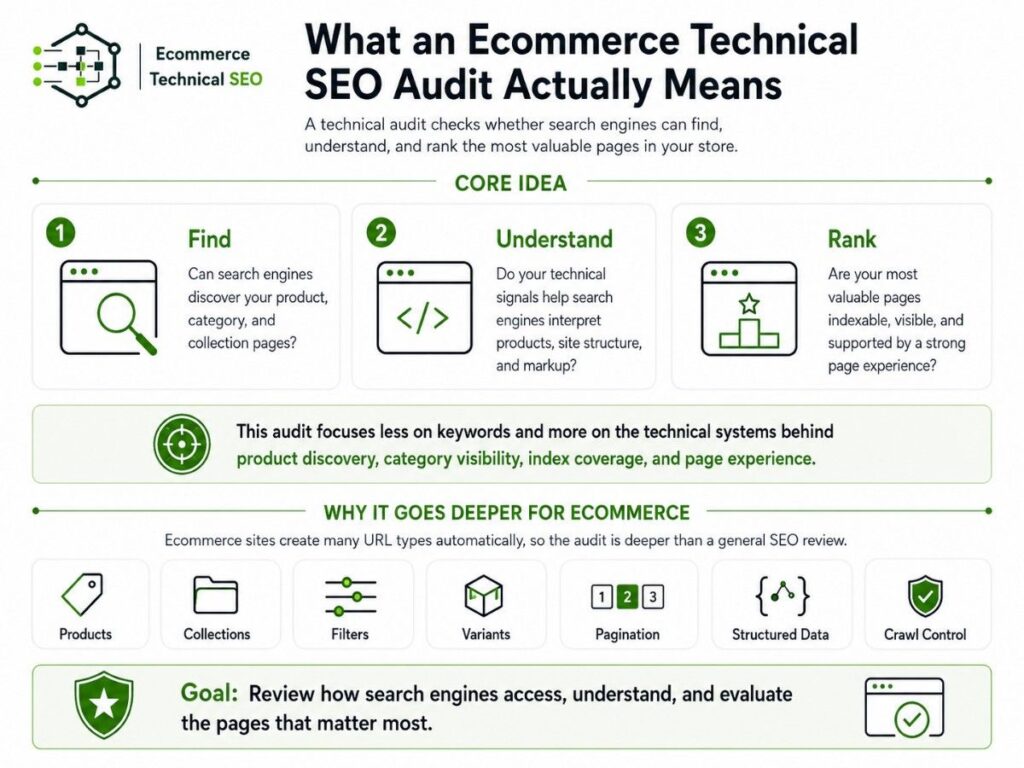
An ecommerce technical SEO audit checks whether search engines can find, understand, and rank the most valuable pages on your store. It focuses less on keywords and more on the technical systems behind product discovery, category visibility, index coverage, and page experience.
This type of audit is deeper than a general SEO review because ecommerce sites create many URL types automatically. For better understanding, you can explore this ecommerce technical SEO audit complete guide should review products, collections, filters, variants, pagination, structured data, and crawl control together.
| Audit Area | What It Checks | Why It Matters |
| Crawlability | Links, robots.txt, redirects, broken URLs | Search engines must reach important pages |
| Indexation | Canonicals, noindex tags, duplicate URLs | Only valuable pages should appear in search |
| Performance | Speed, mobile UX, Core Web Vitals | Slow pages reduce traffic and conversions |
| Structured data | Product, review, breadcrumb markup | Search engines understand product details |
| Architecture | Menus, breadcrumbs, depth, internal links | Authority flows to key commercial pages |
Why Ecommerce Stores Need a Different Audit
A small business website may only have service pages, blog posts, and contact pages. An ecommerce site has product pages, category pages, collection pages, faceted filters, variants, search pages, discontinued products, and pagination. That creates more technical risk at a much larger scale.
One technical mistake can affect hundreds or thousands of URLs. A bad canonical tag, slow product template, blocked collection page, or uncontrolled filter system can damage organic visibility across the store. This is why a focused technical audit service should be ecommerce-first.
What the Audit Should Diagnose First
A useful audit should not start with a long list of minor errors. It should first identify the issues that directly affect crawling, indexation, rankings, and revenue. The first job is to separate business-critical problems from small technical noise.
After the main risk areas are clear, the audit can move into deeper checks. The highest-value checks usually include:
- Important pages blocked from crawling
- Revenue pages missing from the index
- Duplicate URLs from filters or variants
- Slow product and category templates
- Broken internal links to commercial pages
- Missing or invalid product schema
Crawlability and Indexation
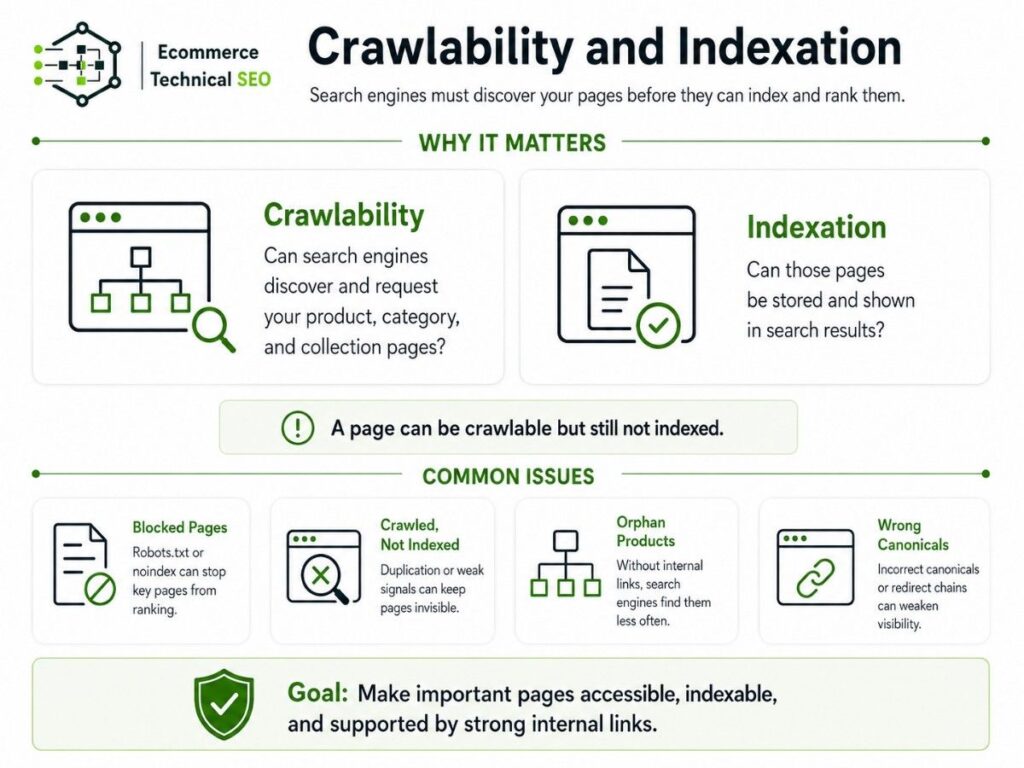
Crawlability means search engines can discover and request your pages. Indexation means those pages can be stored and shown in search results. Both matter, but they are not the same. A page can be crawlable while still failing to appear in Google’s index.
For ecommerce stores, this difference is important because filters, variants, and parameter URLs can create crawl waste. A strong audit separates crawl and index gaps so the right pages are accessible, indexable, and supported by internal links.
| Problem | What It Usually Means | SEO Impact |
| Blocked category pages | Robots.txt or meta robots issue | Key pages cannot rank |
| Crawled but not indexed | Low quality, duplication, or weak signals | Pages stay invisible |
| Orphan products | No internal links point to them | Search engines find them less often |
| Redirect chains | URLs pass through several redirects | Crawl efficiency gets weaker |
| Wrong canonicals | Pages point to incorrect preferred URLs | Ranking signals may be lost |
Category Pages, Filters, and Faceted Navigation
Category and collection pages often drive the most valuable non-brand traffic because they match commercial searches. Pages like “men’s running shoes” or “organic skincare products” can attract users before they choose a specific product. These pages need clean indexing, strong internal links, and stable templates.
Faceted navigation is one of the biggest ecommerce SEO risks. Filters for size, color, brand, price, material, rating, and availability can create thousands of URL combinations. Some filtered pages are useful, but many should not be indexed or crawled freely.
| URL Type | Should It Be Indexed? | Recommended Treatment |
| Main category page | Yes | Index and internally link clearly |
| Brand plus category page | Sometimes | Index if it has demand and unique value |
| Sort by price URL | Usually no | Keep out of index |
| Internal search page | Usually no | Noindex or control crawling |
| Thin filter combination | No | Avoid indexation and crawl waste |
Product Pages, Variants, and Structured Data
Product pages must give search engines clear information about the item being sold. The audit should check product names, images, prices, availability, review content, canonical tags, variant handling, and internal links. These signals help search engines understand whether the page deserves visibility.
Structured data is especially important for ecommerce because it describes product details in a machine-readable format. Clean product schema markup can support richer search understanding for price, availability, ratings, reviews, breadcrumbs, and product identity.
Site Speed and Core Web Vitals
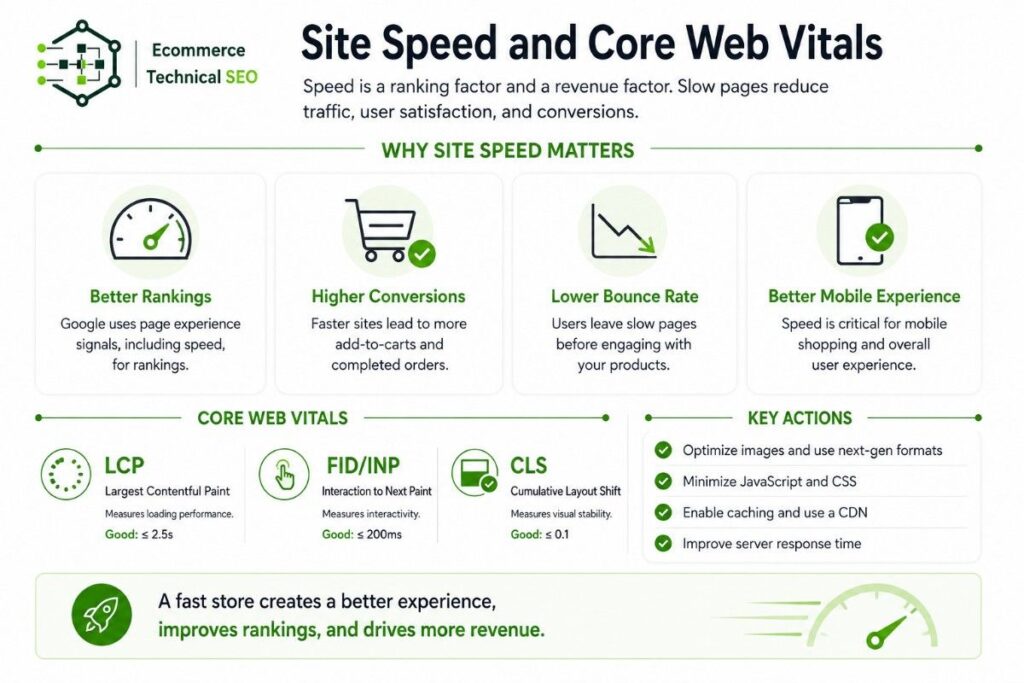
Ecommerce pages are often heavy because they include large images, product videos, apps, reviews, personalization tools, tracking pixels, chat widgets, and payment scripts. These elements can slow the page and make mobile shopping harder, especially on product and category templates.
An audit should focus on template-level speed problems, not just one homepage score. Improving Core Web Vitals fixes across product and collection templates can support better user experience, stronger engagement, and higher conversion rates from organic traffic.
| Speed Area | Common Ecommerce Issue | What to Check |
| LCP | Large product images load slowly | Image size, preload, server response |
| INP | Heavy scripts delay interaction | Apps, JavaScript, tracking tools |
| CLS | Product blocks move while loading | Image dimensions, banners, reviews |
| Mobile speed | Templates load too much code | Theme bloat and unused scripts |
Internal Linking and Site Architecture
Internal linking helps search engines understand which pages matter most. For ecommerce websites, important links usually come from navigation menus, breadcrumbs, collection links, related products, product recommendations, blog content, and footer links. These links guide both crawlers and shoppers.
A strong site architecture keeps important pages close to the homepage. If revenue pages are buried too deep, they may receive weaker internal authority and less frequent crawling. Good technical ecommerce SEO treats internal links as part of the store’s growth system.
How to Prioritize Technical Fixes
A good audit does not treat every issue equally. A missing alt tag on one image is not as urgent as a noindex tag on a high-value category page. Prioritization should be based on page value, issue scale, crawl impact, indexation risk, and revenue potential.
The best audit output gives developers, marketers, and store owners a clear order of action. It should explain what to fix first, what can wait, and which issues need monitoring as the store grows.
| Priority | Issue Type | Fix First When |
| Critical | Blocked, noindexed, or miscanonicalized revenue pages | Rankings and sales pages are affected |
| High | Slow templates, broken links, crawl waste | Many pages share the same issue |
| Medium | Missing schema or weak breadcrumbs | Search understanding is limited |
| Low | Isolated minor errors | Few pages are affected |
| Monitor | Out-of-stock and parameter growth | The issue may scale over time |
When to Run an Ecommerce Technical SEO Audit
A store should run a technical SEO audit before major growth work, not only after traffic drops. Auditing first helps avoid scaling broken systems. This is especially important before site migrations, redesigns, platform changes, new themes, large content plans, or backlink campaigns.
The audit is most useful before decisions that affect many pages. Strong trigger points include:
- Launching a new ecommerce store
- Moving between Shopify, WooCommerce, Wix, Webflow, Framer, or Squarespace
- Changing product or category URL structures
- Adding filters or faceted navigation
- Expanding product collections
- Fixing a drop in organic traffic
What a Good Audit Deliverable Should Include
A useful audit deliverable should be clear enough for store owners and detailed enough for developers. It should not be a long export of crawler errors without context. Each finding needs a plain explanation, affected URLs, business impact, priority level, and recommended fix.
For teams that want a practical review process, an audit checklist can help organize crawlability, indexation, speed, schema, internal links, faceted navigation, and product template checks without turning the audit into a confusing technical dump.
Final Takeaway
An ecommerce technical SEO audit finds the technical problems that stop a store from growing through organic search. It checks whether search engines can crawl, index, understand, and rank the pages that matter most, especially product pages, category pages, and collection pages.
The best audits are practical, not theoretical. They show what is broken, why it matters, what pages are affected, and what should be fixed first. For ecommerce brands, technical SEO protects visibility, improves product discovery, supports conversions, and helps organic revenue grow.
Ready to Fix Technical SEO Before Scaling Content or Backlinks?
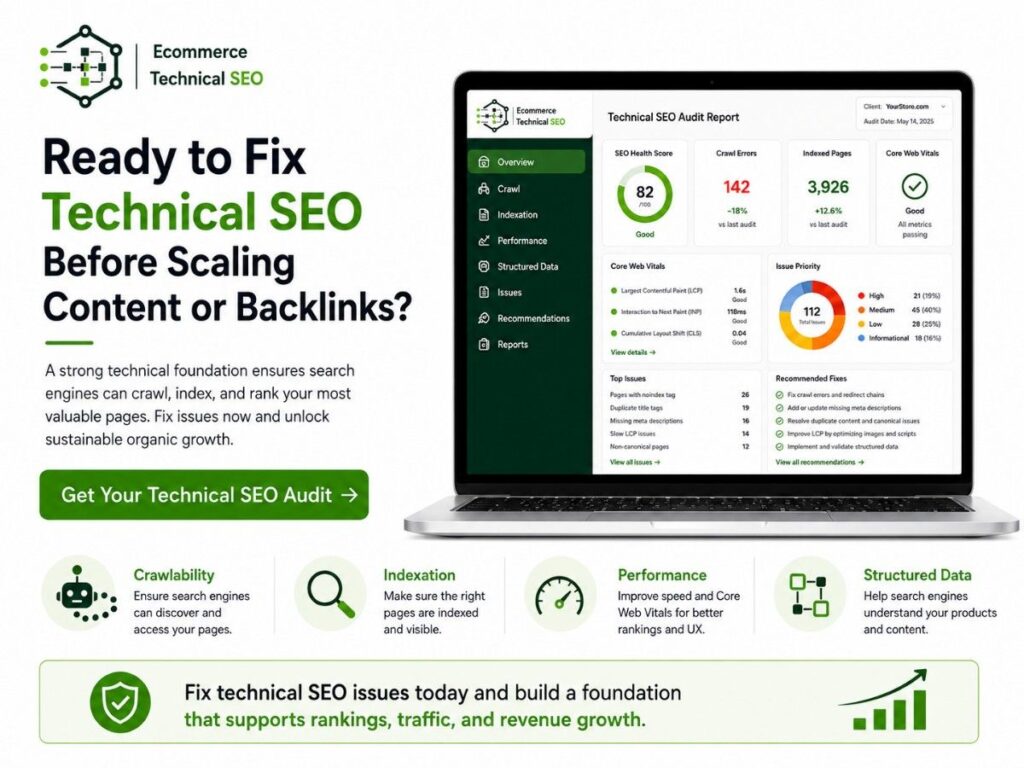
Run a technical SEO audit before scaling content or backlinks. Ecommerce Technical SEO helps store owners, marketers, developers, and agencies find the crawl, indexation, speed, schema, and architecture problems holding back product visibility, category rankings, and organic revenue.
Whether your store runs on Shopify, WooCommerce, Wix, Webflow, Framer, Squarespace, or a custom setup, a focused audit gives you a cleaner roadmap before you invest more into content, links, paid traffic, or product expansion.